2d cad file no. 001
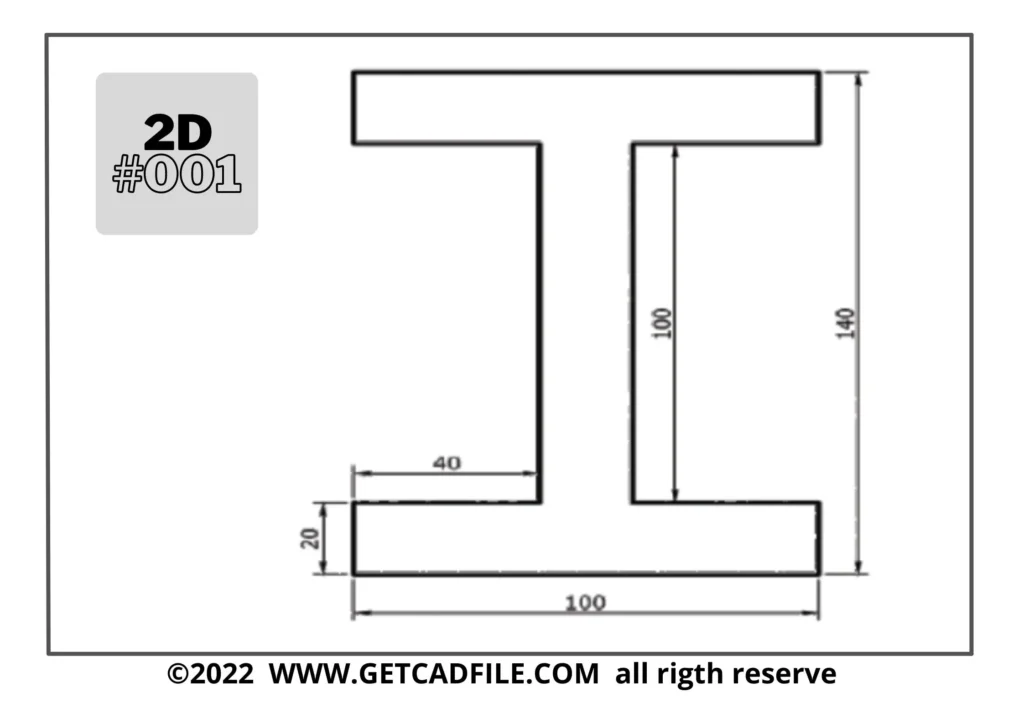
Here are one CAD (Computer-Aided Design) designer tip, described in a paragraph:
1. Understand the Design Requirements: Before starting any project, thoroughly understand the design requirements. Meet with clients or stakeholders to gather all necessary information, including dimensions, materials, and desired functionalities. Clarifying these details at the beginning will save time and prevent mistakes later on.
2. Organise Your Files: Create a logical file organisation system to ensure easy access and retrieval of design files. Use descriptive file names and organise them into folders according to projects, versions, or specific components. This practice helps maintain a tidy workspace and facilitates collaboration.
3. Utilise Shortcuts and Hotkeys: Familiarise yourself with keyboard shortcuts and hotkeys specific to your CAD software. These shortcuts can significantly speed up your workflow, allowing you to quickly access frequently used commands and tools. Invest time in learning them to become more efficient.
4. Use Layers and Naming Conventions: Employ layers to organise and manage different components of your design. Assign meaningful names to each layer to easily identify and manipulate specific elements. This technique enhances design clarity and makes modifications more manageable.
5. Learn Parametric Modelling: Embrace parametric modelling techniques, which allow you to create designs with adjustable parameters. By utilising features like constraints and relationships, you can easily modify designs while maintaining design integrity. This approach saves time and improves design flexibility.
Thank You for Taking the Time to Visit Us!
getcadfile.com